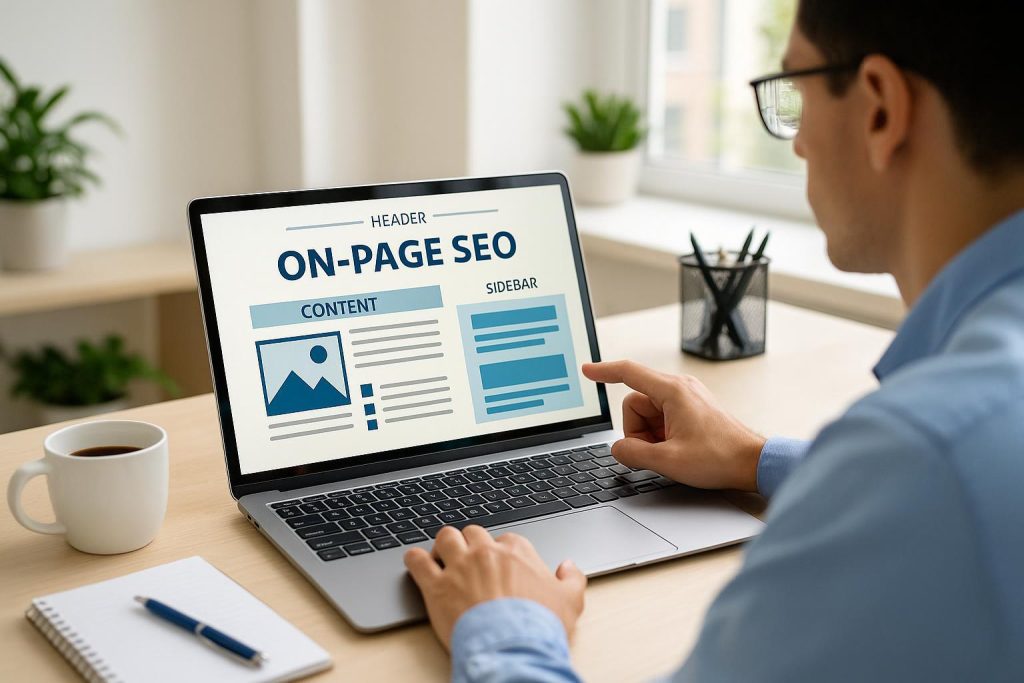
Enhancing User Experience with On-Page SEO
On-page SEO is often seen as the foundation of any successful website optimization strategy, and for good reason: it shapes how both search engines and users interact with your content. While off-page factors like backlinks may influence your site’s overall authority, the on-page elements form the immediate gateway to user experiences. An effective on-page plan focuses on creating a fast, relevant, accessible, and intuitive environment for visitors. By doing so, you set yourself up for predictable, data-backed results through better rankings, increased engagement, and stronger brand loyalty. This detailed exploration delves into the key aspects of on-page SEO, illustrates how it connects directly to user experience, and suggests how ongoing optimization can lead to scalable growth.
At the heart of on-page SEO is strong, engaging, and relevant content. Search engines, such as Google, rank pages not just based on keywords but on how valuable the page is to the end user. This means that the days of “keyword stuffing” are long gone. Today, search algorithms are trained to understand contextual signals, user intent, and readability. In other words, ensuring that your site’s content satisfies real questions from your target audience is key.
Providing top-notch, content-driven SEO is beneficial for a multitude of reasons:
- Answering User Queries: By addressing the pain points of your visitors, you instantly boost your authority. If someone arrives on your page and finds an immediate, insightful answer, they’re far more likely to stay longer and explore additional parts of your site.
- Improving Dwell Time: A user who finds meaningful content remains on the page for longer periods, signaling to search engines that your page is relevant and useful.
- Building Trust: Relevant, clear content fosters trust. When users see you consistently offer substantial advice or solutions, they’ll consider you a reliable source in your field.
High-quality content is, therefore, inseparable from an excellent user experience. Without it, even the best-designed website or most advanced technical SEO audits would struggle to hold reader interest.
On-page SEO also involves optimizing your site’s HTML structure. From the placement of headings, subheadings, and meta tags to the descriptive names of images (alt text), every aspect of HTML markup can influence how a user navigates and experiences your site. Let’s look at a few crucial elements:
- Headings and Subheadings: By properly organizing your content under sufficient heading tags (like H1, H2), you create a reader-friendly format. When readers can quickly scan and locate the information they want, they’re less likely to exit prematurely (resulting in lower bounce rates).
- Meta Tags: The snippets that appear in search results—title tags and meta descriptions—provide a snapshot of your page. Well-crafted meta tags can increase click-through rates, demonstrating to search engines that your site is relevant for a particular query. As a result, you improve both your ranking potential and overall traffic from the SERPs.
- Alt Text for Images: Image alt text provides context to search engines and ensures accessibility for visually impaired users. When you correctly describe the image (rather than merely stuffing keywords), you help all visitors understand your content—and keep your pages search-friendly.
In short, HTML optimization is crucial for user-friendliness. It organizes the information in a way that is easily accessible, maintains clarity, and delivers signals to Google and other search engines about your content’s relevance.
Think of your website as a digital store: you want visitors to find what they need quickly without wandering down the wrong aisles. A direct benefit of a well-structured site architecture is a superior user experience. Key elements of a website’s architecture include clear navigation menus, logical categories and subcategories, clean URLs, and internal link structures that guide users to related information. Here is why this matters:
- Intuitive Browsing: If visitors can’t locate information quickly, they are more likely to abandon the page. That confusion drives up bounce rates, a factor that may indirectly influence search engine ranking and definitely impacts user satisfaction.
- Logical Organization: A strategic layout of categories and subpages not only helps your readers navigate, but also assists search engine crawlers in indexing your site effectively, improving your overall visibility.
- Pathways to Deeper Content: By weaving internal links throughout your content, you create opportunities for users to examine more articles or products. This extra engagement helps search engines realize users find your content relevant and valuable.
When you view site organization through a user’s eyes, you’re effectively applying performance-based SEO principles: aligning the site’s structure and content in ways that genuinely benefit visitors.